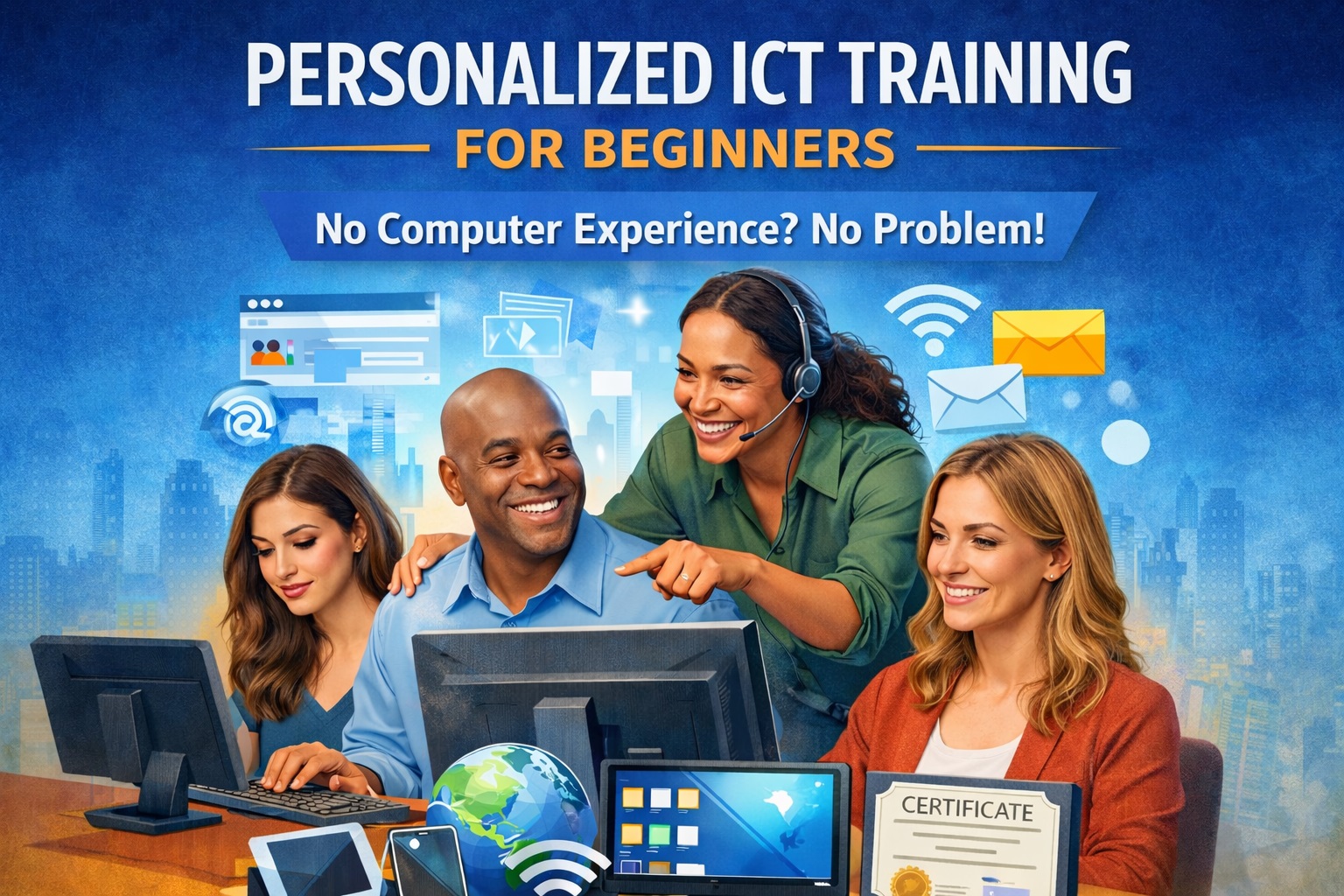
Personalized ICT training for Beginners without any computer experience
Uncategorized
Wishlist Share
Share Course
Page Link
Share On Social Media

About Course

This course is a carefully designed, step-by-step ICT training program created specifically for individuals with little or no prior computer experience. It takes learners from absolute beginner level to becoming confident, independent, and modern-day computer users.

Whether you have never touched a computer before, feel intimidated by technology, or struggle to keep up in today’s digital world, this course provides a patient, practical, and personalized learning experience tailored to your pace and goals.

The training focuses on hands-on learning, real-life computer use, and everyday digital skills needed for work, business, education, and personal productivity. No technical background is required — everything is explained in simple, clear, and beginner-friendly language.


What This Course Will Help You Achieve

By the end of this course, learners will be able to:

  • Confidently operate a computer from startup to shutdown

  • Understand computer parts, accessories, and basic terminology

  • Use the keyboard and mouse with ease and accuracy

  • Navigate the Windows operating system and manage files and folders

  • Use common software applications for everyday tasks

  • Access and use the internet safely and effectively

  • Create, edit, save, and print documents

  • Communicate digitally using email and online platforms

  • Apply computer skills to real-life situations such as work, school, business, and personal use


Who This Course Is For

This course is ideal for:

  • Complete beginners with zero computer knowledge

  • Adults returning to education or the workforce

  • Senior citizens seeking digital independence

  • Business owners and traders who want to use technology confidently

  • Students preparing for further ICT or professional training

  • Anyone who feels “left behind” in today’s digital world


Personalized Learning Approach

Unlike generic ICT courses, this training is personalized to suit each learner’s learning speed and objectives. Instructors take time to explain concepts patiently, repeat lessons when necessary, and ensure learners fully understand each topic before moving forward.

Learning is practical, interactive, and supportive — no pressure, no embarrassment, and no assumptions.


Outcome & Certification

At the completion of the course, learners will:

  • Possess solid foundational ICT skills

  • Be confident using computers independently

  • Be ready to advance into specialized ICT courses or workplace digital tools

  • Receive a Certificate of Completion from COD Technologies Ltd


Why Choose COD Technologies Ltd?

  • Experienced ICT professionals and trainers

  • Beginner-friendly teaching methods

  • Practical, real-world focused training

  • Supportive learning environment

  • Trusted ICT training and technology company

Show More

What Will You Learn?

  • At the end of this program, participants will:
  • 1) Confidently use computers independently
  • 2) Communicate and collaborate online
  • 3) Apply ICT skills in work, business, and remote environments
  • 4) Understand safe and realistic digital income opportunities
  • 5) Be ready for advanced ICT or remote-work-focused training

Course Content

MODULE 1: Digital Orientation & Confidence Building
(1). Understanding technology in today’s digital world. (2) Removing fear and anxiety around computers. (3) Overview of digital devices and their uses. (4) Basic ICT terms explained in simple language. (5) Proper handling and care of computer equipment.

MODULE 2: Computer Hardware & Accessories
1) Understanding computer components 2) Input, output, and storage devices 3) Cables, ports, and external accessories 4) Power management and system protection 5) Printers, scanners, and storage devices

MODULE 3: Keyboarding & Mouse Mastery
1) Keyboard layout and typing fundamentals 2) Using numbers, symbols, and function keys 3) Mouse control techniques and precision 4) Essential keyboard shortcuts 5) Speed and accuracy practice sessions

MODULE 4: Operating System Fundamentals (Windows)
1) Understanding the desktop environment 2) Start menu, taskbar, and system tray 3) Opening, closing, and switching applications 4) Personalizing basic system settings 5) Managing multiple windows

MODULE 5: File, Folder & Storage Management
1) Understanding files, folders, and storage 2) Creating, organizing, and managing folders 3) Saving and retrieving documents correctly 4) Using USB flash drives and external storage 5) Introduction to cloud storage concepts

MODULE 6: Word Processing & Document Creation
1) Introduction to word processing software 2) Creating and editing documents 3) Formatting text, pages, and layouts 4) Inserting images and simple tables 5) Saving, printing, and sharing documents

MODULE 7: Spreadsheet & Basic Productivity Tools
1) Introduction to spreadsheets 2) Understanding rows, columns, and cells 3) Simple calculations and data entry 4) Practical uses for business and work 5) Managing productivity files

MODULE 8: Internet Fundamentals & Web Navigation
1) Understanding how the internet works 2) Connecting to Wi-Fi and mobile hotspots 3) Using web browsers effectively 4) Searching for accurate information 5) Downloading and uploading files

MODULE 9: Email & Digital Communication Skills
1) Understanding email systems 2) Creating and managing email accounts 3) Sending, receiving, and organizing emails 4) Professional email writing 5) File attachments and downloads

MODULE 10: Online Safety, Privacy & Digital Responsibility
1) Understanding online threats and scams 2) Identifying phishing and fake websites 3) Creating strong passwords 4) Protecting personal and financial data 5) Safe and responsible social media use

MODULE 11: Practical Digital Life Applications
1) Filling online forms and applications 2) Online banking and digital payments awareness 3) Using WhatsApp Web and messaging tools 4) Printing, scanning, and document sharing 5) Integrating smartphones with computers

MODULE 12: Workplace & Business ICT Skills
1) Computer use in office environments 2) Digital file organization for productivity 3) Introduction to collaboration tools 4) Basic remote work tools overview 5) Applying ICT skills in business operations

MODULE 13: Digital Skills for Remote Work & Online Jobs
1) Understanding remote work environments 2) Entry-level remote jobs for beginners 3) Tools used in remote work settings 4) Professional online communication 5) File sharing and team collaboration 6) Time management and work discipline 7) Digital professionalism and work ethics

MODULE 14: Income Opportunities Using Digital Skills
1) Understanding online income pathways 2) Freelancing vs remote employment 3) Beginner-friendly online platforms overview 4) Identifying personal digital strengths 5) Simple digital services beginners can offer 6) Avoiding online job scams 7) Building confidence for online income

MODULE 15: Transition to Independent Digital & Professional Use
1) Solving common computer problems 2) Building daily digital routines 3) Improving speed, accuracy, and confidence 4) Preparing for advanced ICT or career-focused training 5) Final practical assessment and evaluation

Student Ratings & Reviews

No Review Yet
No Review Yet
Scroll to Top